WhatsApp Business API Service: What It Is, How It Works, and How to Get Started
- A WhatsApp Business API service is a Meta-approved messaging infrastructure that businesses access through a partner — not an app you download.
- It’s built for teams that need multiple agents, automated workflows, and CRM integration, not solo operators managing a handful of daily chats.
- Getting started requires Meta business verification, a WhatsApp Business Account (WABA), a dedicated phone number, and approved message templates.
- Most businesses access the WhatsApp Business API service through a Solution Partner or Tech Provider rather than integrating directly with Meta’s Cloud API.
- Choosing the right WhatsApp Business API service provider matters more than the API access itself, since onboarding, support, and integration quality vary widely between partners.
A WhatsApp Business API service is the infrastructure that lets a business send and receive WhatsApp messages at scale, through official, Meta-approved access rather than the free consumer app.
WhatsApp remains the world’s most-used messaging platform, with roughly 3 billion monthly active users as of March 2025 (Statista, 2025), and its business tier — WhatsApp Business — had already reached around 200 million monthly active users by mid-2023, up from 50 million three years earlier.
That growth curve is why more mid-market and enterprise teams are moving past the free app and into API-based messaging.
The catch is that “WhatsApp Business API service” isn’t one single thing to buy — it’s a stack of account setup, template approval, integration, and support, most of it delivered through a partner rather than Meta directly.
This guide breaks down what’s actually included, how the service works end to end, and what it takes to get started.
Intigate can walk through your message volume and team size in a 20-minute call and tell you honestly whether the API is worth the setup effort right now.
Talk to a WhatsApp specialist →What Is a WhatsApp Business API Service?
WhatsApp Business API service: a managed offering, typically delivered by a Meta-authorized partner, that provisions, configures, and supports a business’s access to WhatsApp’s Business Platform — covering account verification, message template management, integration, and ongoing operational support.
It’s worth separating three things people often use interchangeably:
- WhatsApp Business App: the free, single-device app for small businesses managing conversations manually.
- WhatsApp Business API: Meta’s underlying infrastructure (the Cloud API) that developers can call directly.
- WhatsApp Business API service: what a WhatsApp business API provider builds on top of that infrastructure: onboarding, template setup, integrations, dashboards, and support, so a business doesn’t have to build and maintain the technical layer itself.
Most businesses evaluating “the service” are really asking about that third layer — because Meta does not sell WhatsApp Business API access directly to most companies.
It’s distributed through Solution Partners and Tech Providers, Meta’s official terms for the entities authorized to onboard clients onto the platform (Meta for Developers, n.d.).
Solution Partners can extend credit lines for message billing on a client’s behalf; Tech Providers offer the same onboarding and technical services but bill clients separately, with Meta invoicing usage directly.
Both are legitimate, verified paths — the distinction mostly affects billing structure, not service quality.
Who Actually Needs a WhatsApp Business API Service (and Who Doesn’t)
A WhatsApp Business API service earns its cost once a business hits limits the free app can’t handle:
- More than one or two people need to manage the same WhatsApp number simultaneously.
- Message volume has outgrown manual, one-by-one replies.
- Customer conversations need to sync into a CRM or helpdesk rather than living only inside WhatsApp.
- Outbound messages (order updates, reminders, campaigns) need to go to contacts who haven’t necessarily saved the business’s number.
If none of that applies yet, the free WhatsApp Business App is still the right tool.
Jumping to a WhatsApp Business API service before message volume or team size justifies it just adds template-approval overhead and monthly cost with no operational upside.
How the WhatsApp Business API Service Works
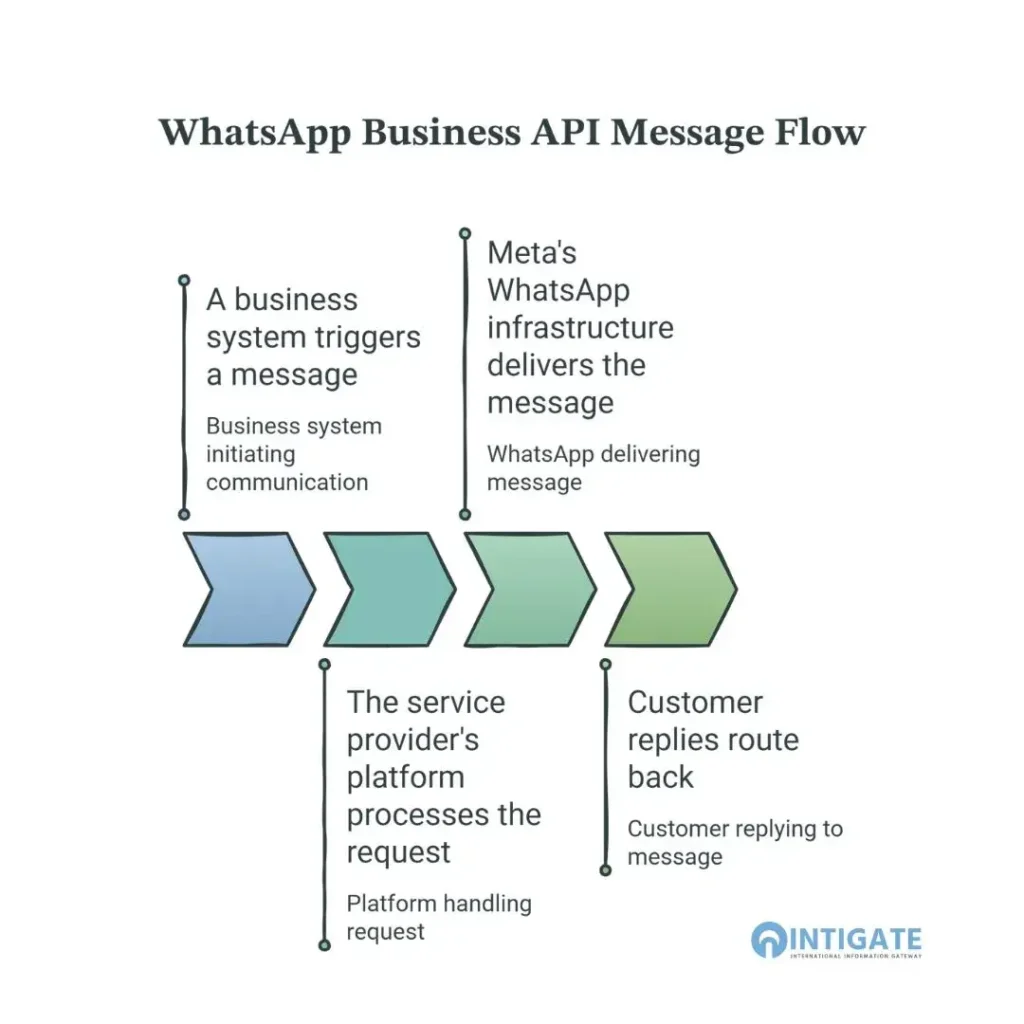
The message flow behind a WhatsApp Business API service follows a consistent pattern regardless of provider:
- A business system triggers a message: a CRM, e-commerce platform, helpdesk, or custom application initiates an event (an order confirmation, a support reply, a marketing send).
- The service provider’s platform processes the request: applying the correct message template, formatting, and routing.
- Meta’s WhatsApp infrastructure delivers the message to the customer, end-to-end encrypted.
- Customer replies route back through the provider’s platform into the connected business system, opening a 24-hour customer service window during which replies are free of Meta’s per-message charges (WhatsApp Business Platform Pricing, Meta, n.d.).
Every business-initiated message outside that 24-hour window has to use a pre-approved message template — a formatted message Meta reviews before it can be sent to customers who haven’t just messaged the business.
This is one of the more misunderstood parts of the service: businesses can’t send arbitrary marketing copy on demand the way they would over email.
Templates go through Meta’s review queue, which is one reason providers with strong onboarding support matter — they know how to get templates approved without repeated rejections.
The WhatsApp Business Account (WABA) sits underneath all of this as the account of record with Meta. Whichever provider a business uses, the WABA — and the phone number tied to it — belongs to the business, not the provider.
That matters later if a business ever wants to switch providers without losing its number or message history.
What’s Actually Included in a WhatsApp Business API Service
A genuine WhatsApp Business API service covers more than “API access.” The core components:
| Component | What It Covers |
|---|---|
| Account setup & verification | WABA creation, Meta business verification, phone number registration, or porting an existing number |
| Template management | Drafting, submitting, and tracking approval status for message templates |
| Multi-agent access | Unlimited team members working from one number, with conversation assignment and routing |
| Automation & chatbots | From simple keyword auto-replies up to CRM-aware conversational flows |
| CRM/system integration | Two-way sync with existing business tools via API or webhook |
| Verified business profile | Support applying for Meta’s green checkmark verification (approval itself stays with Meta) |
| Analytics & reporting | Delivery, read, and response tracking across agents and campaigns |
That last point on verification is worth being precise about: no provider can guarantee the green tick.
Approval depends on Meta’s own review of business notability and account standing (Meta for Developers, n.d.).
A provider’s job is to prepare a compliant, well-documented application — not to promise an outcome Meta controls.
Common WhatsApp Business API Service Use Cases by Function
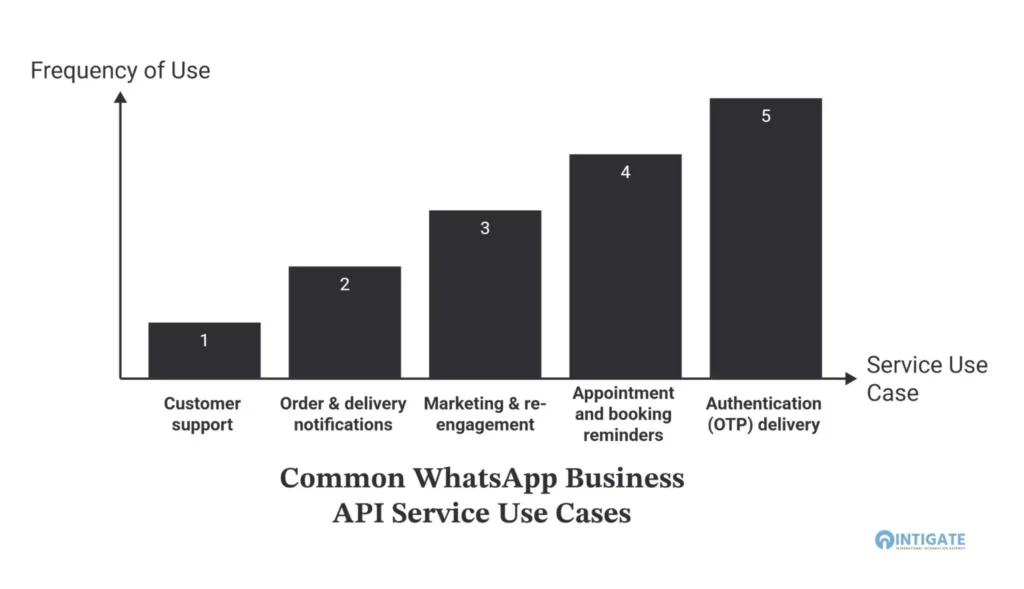
A WhatsApp Business API service supports a narrow set of high-value workflows rather than open-ended messaging:
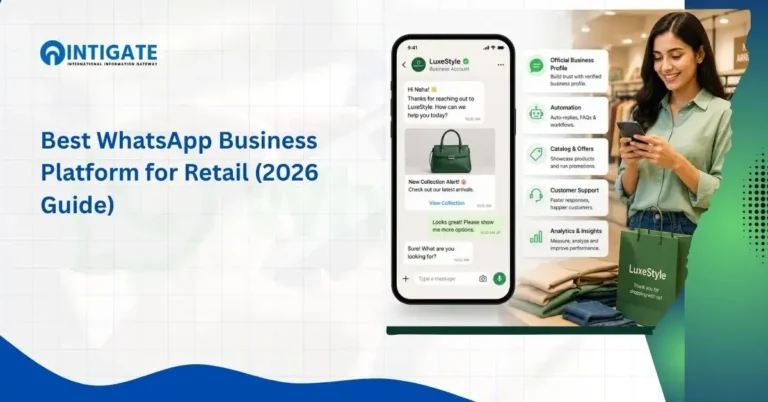
- Customer support: handling inbound queries within the free 24-hour service window, often paired with a chatbot for first-line responses.
- Order & delivery notifications: utility messages confirming purchases, shipping, or appointment status.
- Marketing & re-engagement: template-based broadcast campaigns to opted-in contacts.
- Appointment and booking reminders: reducing no-shows through timed utility messages.
- Authentication (OTP) delivery: using WhatsApp as a verification channel alongside or instead of SMS.
These patterns show up across industries in similar ways. In healthcare (mHealth), it’s appointment confirmations and post-visit follow-ups.
In fintech and banking, it’s OTP delivery and transaction alerts, where message security and audit trails matter as much as delivery speed.
In e-commerce and retail, it’s cart-abandonment follow-ups and order-status updates.
In marketing and AdTech, it’s click-to-WhatsApp ad campaigns that route directly into a sales conversation.
How to Get Started with a WhatsApp Business API Service
Setting up a WhatsApp Business API service follows a consistent sequence regardless of which provider a business chooses:
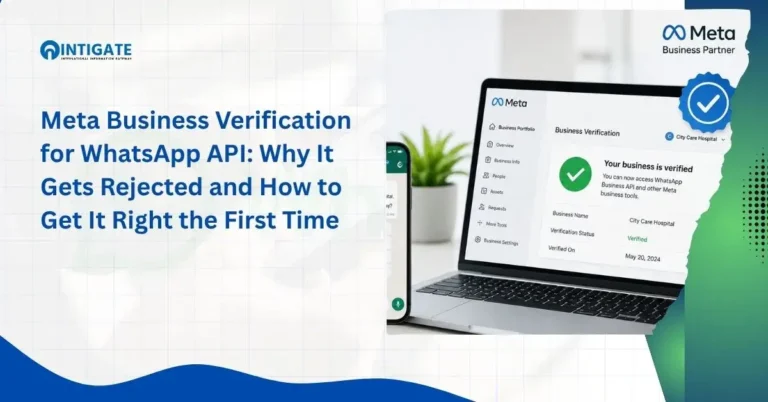
- Verify the business with Meta: submit business documentation through a Meta Business Portfolio.
- Create the WhatsApp Business Account (WABA): the account that will hold the phone number and message history.
- Register or port a phone number: this must be a number not currently active on the personal WhatsApp Business App; migrating an existing number means losing App access on that number (Meta for Developers, n.d.).
- Submit message templates for approval: needed before any business-initiated messaging outside the 24-hour reply window.
- Connect integrations: CRM, helpdesk, or e-commerce platform, depending on scope.
- Go live: with agent access and routing configured.
Requirements Checklist
- Verified Meta Business Portfolio
- Business registration documentation
- A dedicated phone number (mobile or landline, not tied to an active WhatsApp Business App account)
- A defined integration scope, even a rough one, before onboarding starts, since it shapes which provider fits best
Choosing a WhatsApp Business API Service Provider
Since Meta distributes access through partners rather than selling directly to most businesses, the provider is effectively the product experience.
Five things worth checking before committing:
- Verified Meta partner status: confirms compliant, direct access rather than a reseller layer.
- Onboarding support: how much of template drafting, verification, and setup the provider actually handles versus leaves to the business.
- Integration depth: whether the provider has documented connections to the CRM or platform already in use, not just generic API access.
- Support responsiveness: especially important in the first weeks after go-live, when template rejections and routing issues are most likely.
- Transparent pricing: clarity on Meta’s per-conversation charges versus the provider’s own markup or subscription fee.
For a full side-by-side comparison of providers against these criteria, see the best WhatsApp business API providers.
For a detailed breakdown of what a service actually costs by message category and region, see the whatsapp business api cost guide.
Intigate operates as an Official Meta Business Partner, handling verification, template setup, and integration directly rather than routing clients through a reseller layer.
Is the WhatsApp Business API Service Secure and Compliant?
Messages sent through the WhatsApp Business API are end-to-end encrypted, the same standard applied to consumer WhatsApp messaging.
Businesses using the service are required to follow Meta’s opt-in and consent policies for template messaging — customers must have a clear path to opt out, and marketing templates in particular are held to stricter review than utility or authentication messages.
For businesses operating across India and the GCC with EU-facing customers, GDPR considerations still apply to how customer data is stored and processed downstream in connected CRM or support systems, even though WhatsApp’s transport layer itself is encrypted.
Intigate manages the full WhatsApp Business API service setup end to end, from Meta verification through CRM integration, for businesses across India and the GCC.
Start your setup →Frequently Asked Questions
What is a WhatsApp Business API service?
It’s a managed offering, usually from a Meta-authorized partner — that provisions and supports a business’s access to WhatsApp’s Business Platform, including account verification, message template management, integrations, and ongoing support, rather than just the API infrastructure.
Do I need a provider to use the WhatsApp Business API?
In practice, yes, for most businesses. Meta distributes API access through Solution Partners and Tech Providers rather than selling directly to most companies, so a provider typically handles verification, templates, and technical setup.
Is the WhatsApp Business API service free?
A WhatsApp Business API service itself has no license fee, but Meta charges per conversation by category and market, with the first messages typically covered under free service-conversation terms; providers add their own setup or subscription fee on top.
What’s the difference between the WhatsApp Business App and the API service?
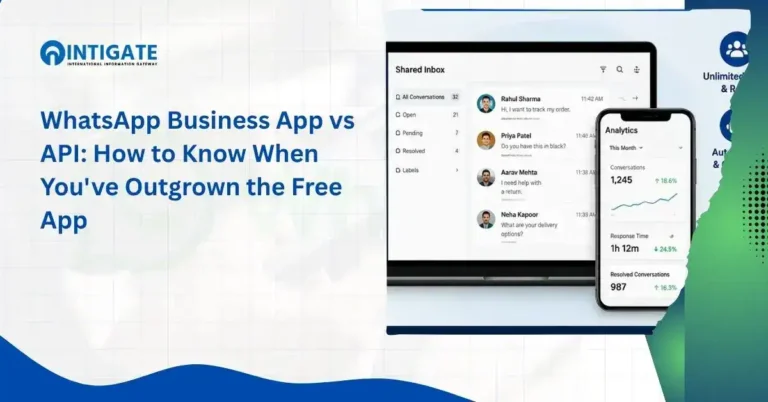
The App is free, single-device, and built for manual conversations by one or two people. The API service supports unlimited agents, automation, CRM integration, and approved bulk messaging — built for higher volume, multi-person teams.
Can I migrate my existing WhatsApp number to an API service?
Yes, most numbers can be migrated, but the number loses access to the free WhatsApp Business App once it moves to the API, and message templates may need to be resubmitted for approval under the new setup.
Conclusion
A WhatsApp Business API service is infrastructure plus support — Meta’s messaging platform, provisioned and maintained by a partner who handles verification, templates, and integration on a business’s behalf.
It earns its cost once a team outgrows the free app: multiple agents, higher message volume, or a real need to connect WhatsApp conversations into a CRM.
Getting started comes down to a predictable sequence — business verification, WABA setup, number registration, template approval, and integration — and the provider chosen for that process matters as much as the API access itself, since Meta rarely deals with businesses directly.
Whether the right next step is comparing providers, checking pricing, or scoping an integration, that decision is easier once the WhatsApp Business API service itself is properly understood rather than treated as a single line-item purchase.
Businesses evaluating a WhatsApp Business API service should treat provider selection as the real decision — the API access itself is standardized.
Still, the setup, support, and integration experience around it is not.